Your journals, in your pocket
Android, or any modern browser. Nothing to buy, and no sign-in needed to check a journal.
The same work, on the screen you actually carry
Everything we do for a journal already happens on your behalf between our three tools. The app is where you see it: which of your journals is clean, which is working, which one needs you — and what the answer is when an editor asks you something in a corridor.
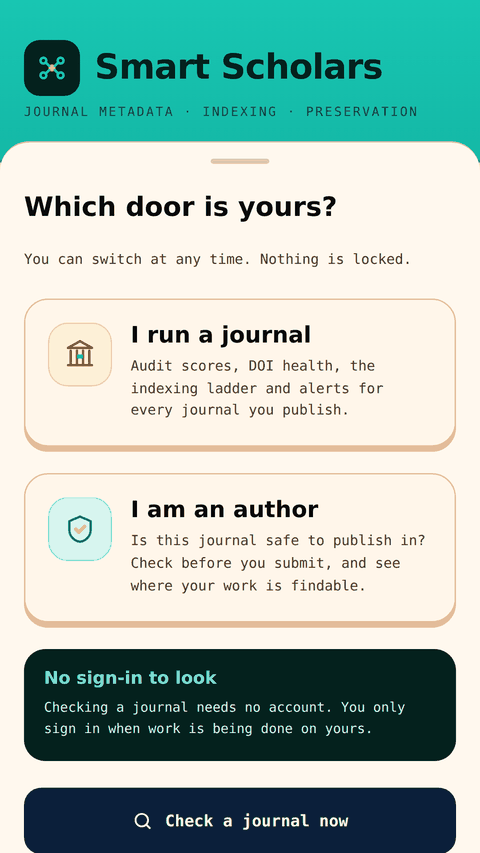
It opens on a question — which door is yours? A publisher sees their journals. An author sees Scholar Shield. Neither needs an account to look around, and checking a journal is free and always will be.
Open the app → How to install it
Works offline for anything you have already opened. Version 1.0.0.
What is on it
Every screen below is a real screen in the app, not a plan. They are built from the same records as the website, so a number on your phone and the same number on your laptop cannot disagree.
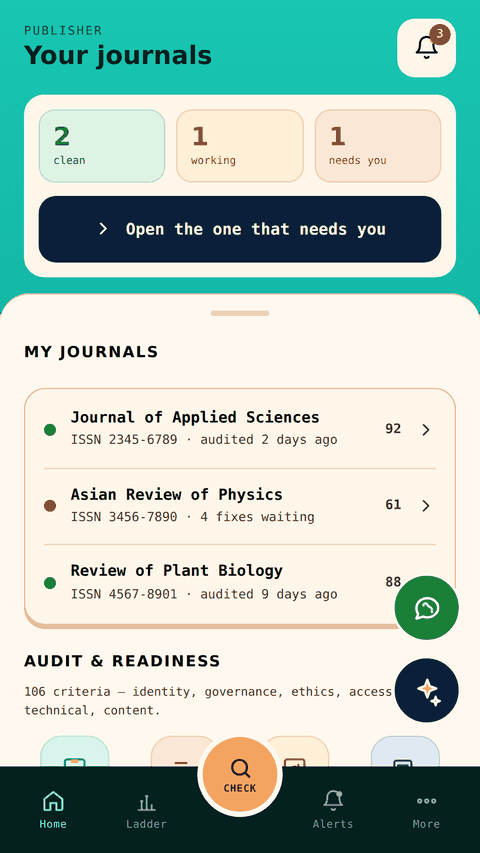
Your journals
Clean, working and needs-you across your whole list, with one button that opens the one that needs you. Each journal carries its rating, its ISSN and when it was last audited.
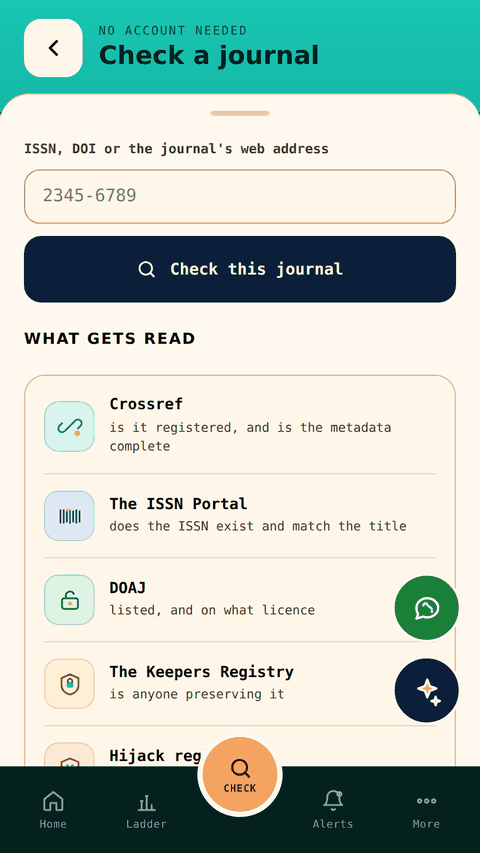
Check a journal
The free lookup, on the bottom bar of every screen. Type an ISSN or a title and read the rating back, with the registry behind each finding.
Alerts
A DOI that stopped resolving, a grade that dropped, an index that answered. The things you want to hear about the day they happen rather than the month after.
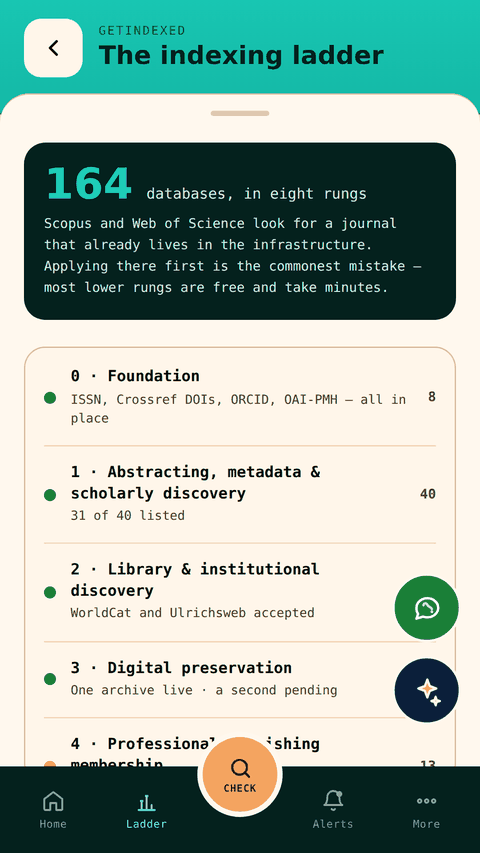
The indexing ladder
The eight stages in the order we work them, with where each of your journals has got to. Foundation first, selective indexes last.
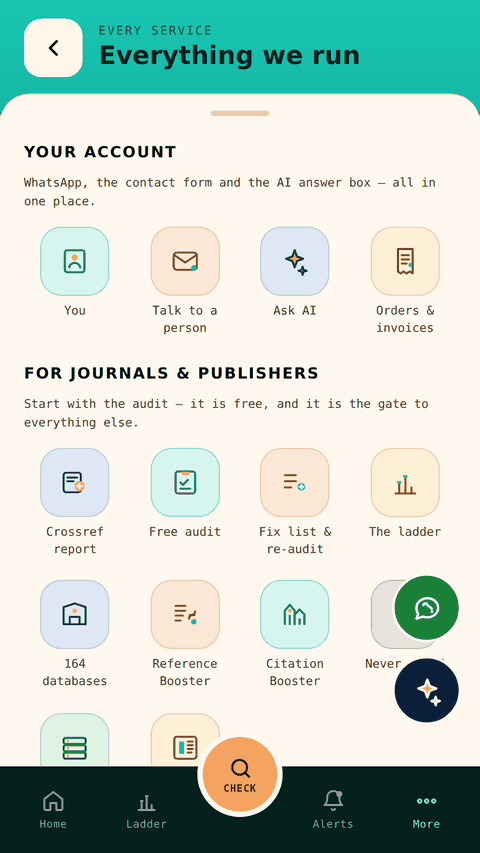
Everything we run
Every service in one place — audit, fix list, DOIs, preservation, Citation Booster, Reference Booster — so nothing we do is hidden behind a menu you never open.
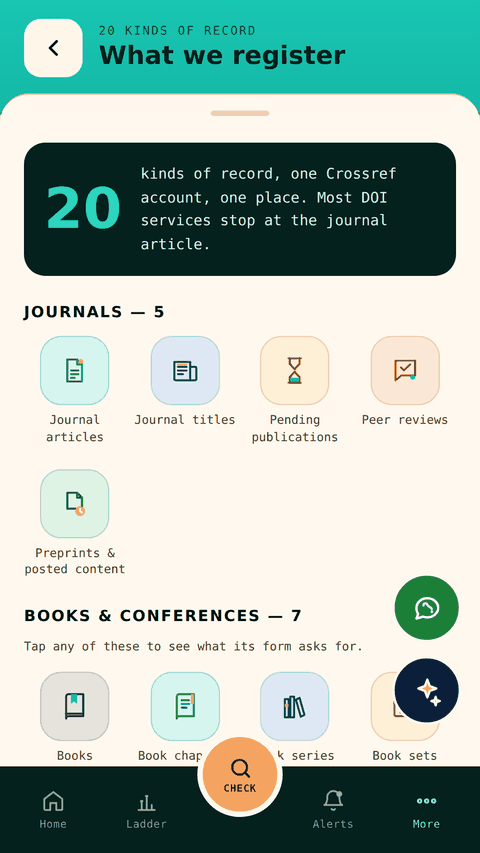
What we register
The twenty record types that can carry a DOI, journals and books and proceedings and theses alike, grouped the way Crossref groups them.
Books & conferences
The second line of work — monographs, chapters, edited volumes, proceedings and conference papers — with what each one needs before it can be registered.
Selective indexes
The directory of databases we apply to and what each one wants before it will look at you.
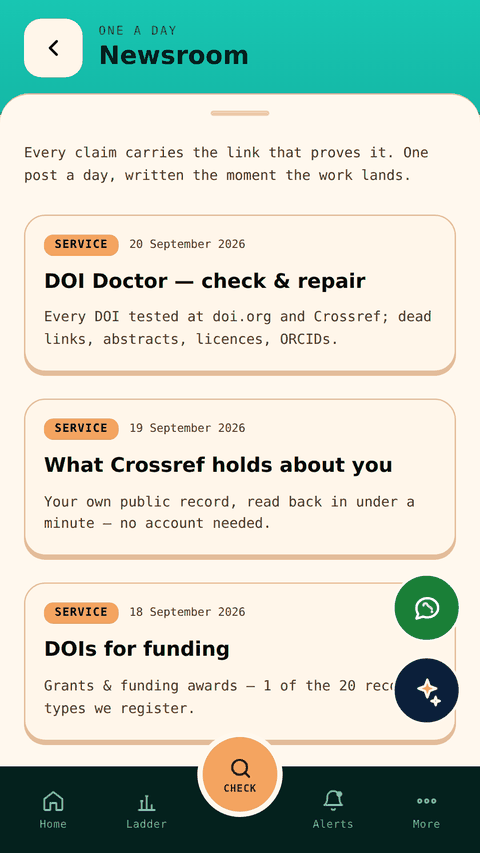
Newsroom
What we have shipped, in date order, drawn from the same posts as the website — so you can see whether these people are actually doing anything.
Orders & invoices
What was ordered, what it cost and what state it is in.
Talk to a person
The contact form, WhatsApp and Ask AI in one place. The AI answers questions about the work; a person answers everything else.
Report a problem
Fills in your phone, your version and your screen for you, so you only have to say what happened. It reaches us on WhatsApp or by email.
What it looks like
The journals, ISSNs and figures in these pictures are examples, not a real publisher's account.
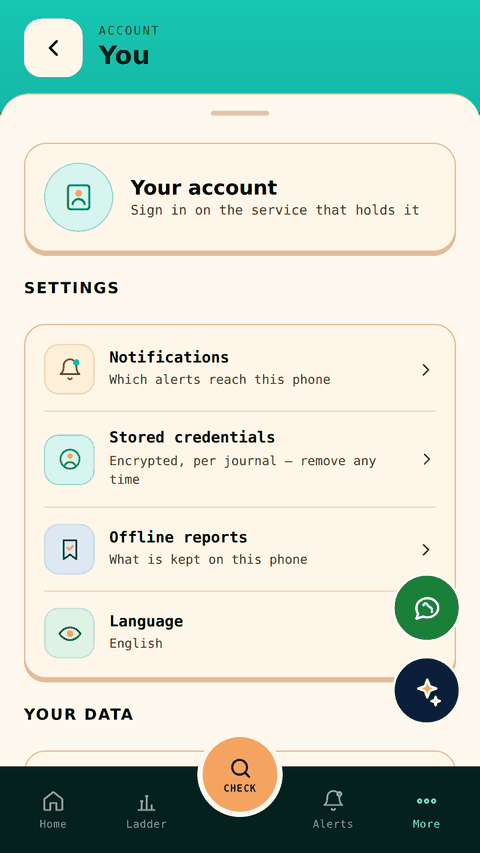
Putting it on your phone
From your browser
Open smartscholars.in/app/ in Chrome on an Android phone. After a few seconds Chrome offers Install app. Tap it and it goes on your home screen and opens full screen, like any other app — no store, no account, no warning about unknown sources.
On an iPhone: Safari, then Share, then Add to Home Screen. On a laptop it runs in the browser as it is.
From Google Play
The Android build is on Google Play and passed review, but it is in closed testing while a group of publishers puts it through its paces. That means it is not searchable in the Play Store yet — testers get in by invitation.
If you publish with us and want a place in the test, tell us the Gmail address on your phone and we will add you. It is the same app either way; Play just makes updates automatic.
Open
smartscholars.in/app/ on the phone you use.
Install
Take the Install app prompt when the browser offers it.
Look around
Check a journal, read the ladder, see the record types. None of it asks who you are.
Sign in when you need to
Only your own journals, alerts, orders and reports need an account.
What it costs
The app costs nothing and carries no advertising. Checking a journal is free without an account, as it is on the website. The paid work is the same work, priced per journal, and the app is simply where you watch it happen.
What it keeps
If you never sign in, it keeps nothing about you. Signed in, it shows your own records and nothing else. There is no advertising identifier and nothing is sold on.
Something wrong?
There is a Report a problem screen inside the app, under More. It fills in the version, the screen and the phone for you, so a useful report takes one line. Tell us what you expected and what happened instead.
It is already running
No waiting list and nothing to download from a store. Open it, and if the first thing you do is check one of your own journals, that is exactly what it was built for.